
How to encrypt files on Linux (Ubuntu and Debian)
Linux gives you strong encryption out of the box — it's just spread across several tools with different jobs. Here's which to use for what, and a simpler option if you also work on Windows.
Full-disk encryption (LUKS)
Ubuntu and Debian offer to encrypt the whole disk during installation. Do it: it protects everything if your laptop is lost or stolen while switched off. It does not protect files once you're logged in, or files you copy to a USB stick, cloud folder or email.
Single files with gpg
gpg --symmetric --cipher-algo AES256 report.pdf encrypts a file with a passphrase; gpg -d report.pdf.gpg decrypts it.
It's everywhere and well tested, but there's no file-name hiding, no batch handling of folders, and no recovery if you forget the passphrase.
Archives
7z a -p -mhe=on secret.7z folder/ creates an AES-256 archive that also hides file names. Handy for a one-off bundle.
A file-encryption app that works the same on Windows
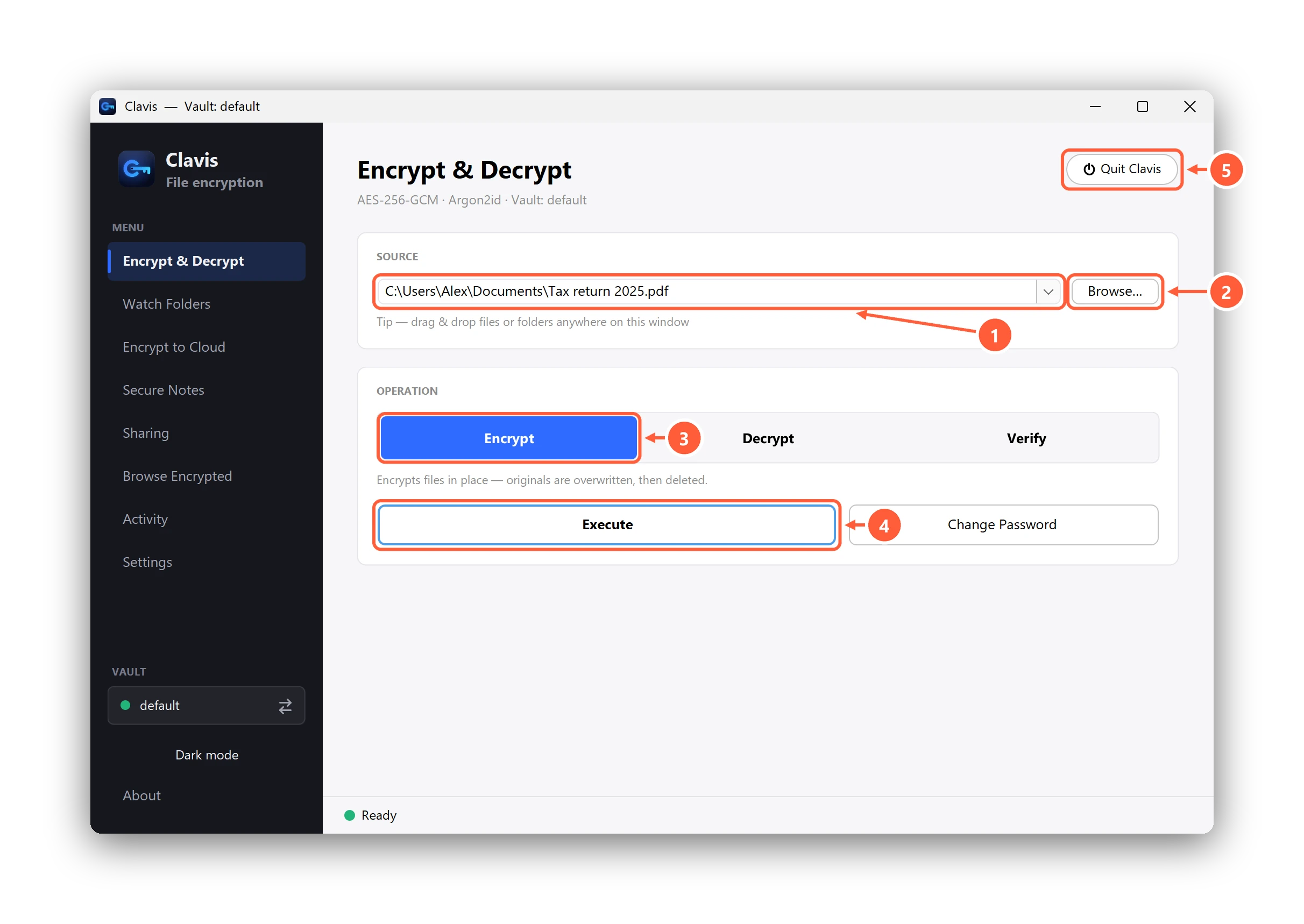
Clavis is available as a .deb for Ubuntu, Debian and derivatives. Install it with
sudo apt install ./Clavis-linux.deb and you get the same app as on Windows: AES-256-GCM, Argon2id, encrypted file names,
a post-quantum recovery key, and the same file format — a file encrypted on Linux opens on Windows with the same vault.
Prefer the terminal? /opt/clavis/bin/clavis-cli (Premium) encrypts, decrypts, verifies and lists from bash or cron —
see encrypting from the command line.
Which should you use?
- Laptop could be stolen? Full-disk encryption, always.
- Sending one file to a Linux user who has gpg? gpg.
- Keeping private files encrypted day to day, across Linux and Windows, with a way back in if you forget the password? Clavis.