
Any file, any size
Documents, photos, whole folders — even huge videos. Clavis encrypts in small, individually verified pieces, so even very large files go through smoothly.
Clavis encrypts your files and folders right on your PC. No account, no cloud, no one else holding the key.
Everything you need to keep private files private — and nothing that gets in the way.
Documents, photos, whole folders — even huge videos. Clavis encrypts in small, individually verified pieces, so even very large files go through smoothly.
Forgot your password? A one-time recovery key, kept somewhere safe, gets you back into your vault — protected with post-quantum cryptography.
Check that encrypted files are intact and still open with your password — nothing is decrypted to disk.
Pick a folder like Downloads or Scans. New files dropped in are locked automatically.
Add a key file as a second factor — your password alone isn't enough without it.
Small, automatic updates. You choose when to restart — your vaults and settings are never touched.
Drag a file in, choose Encrypt, done. Light and dark themes, a clear activity history, and nothing to configure unless you want to.
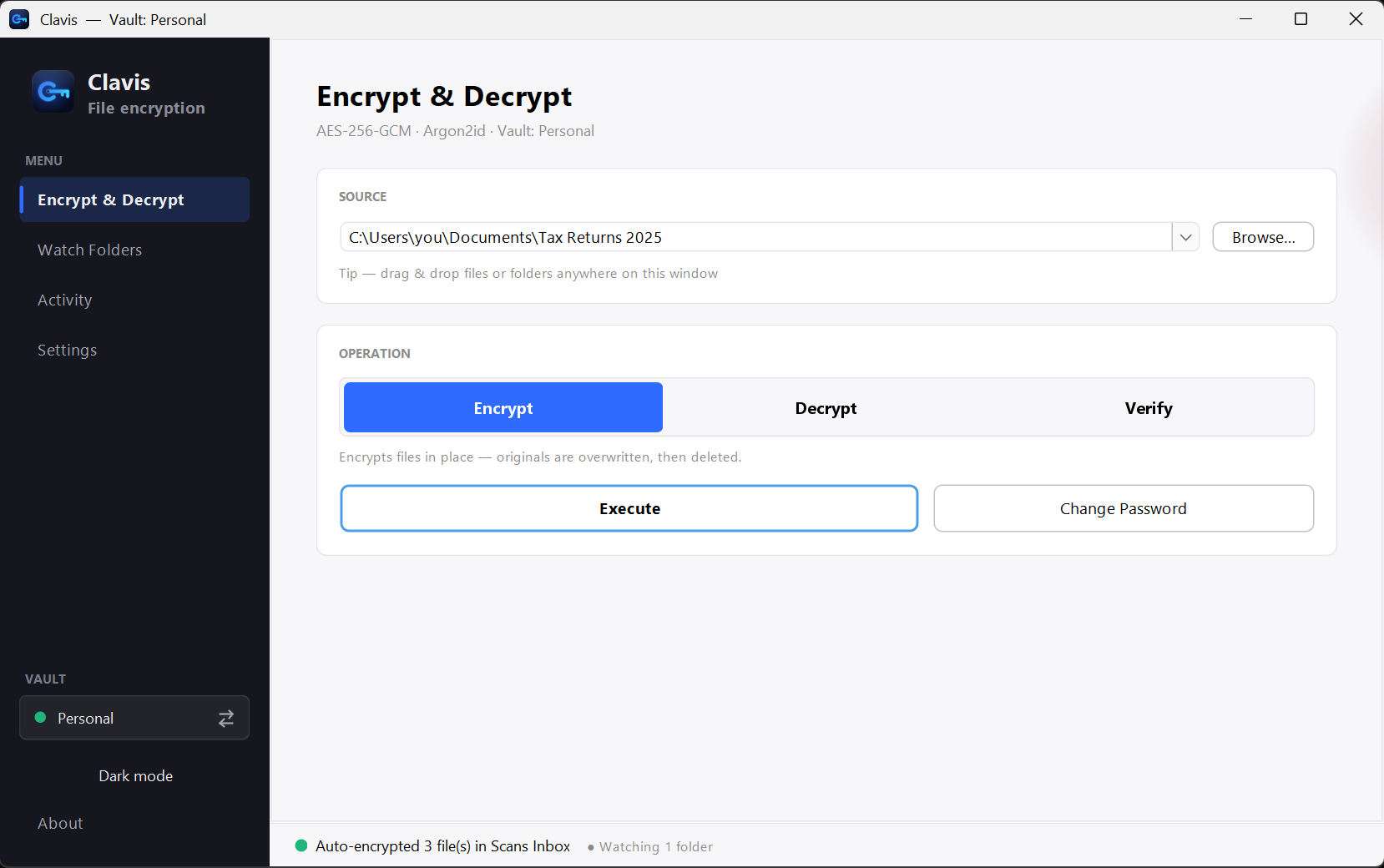
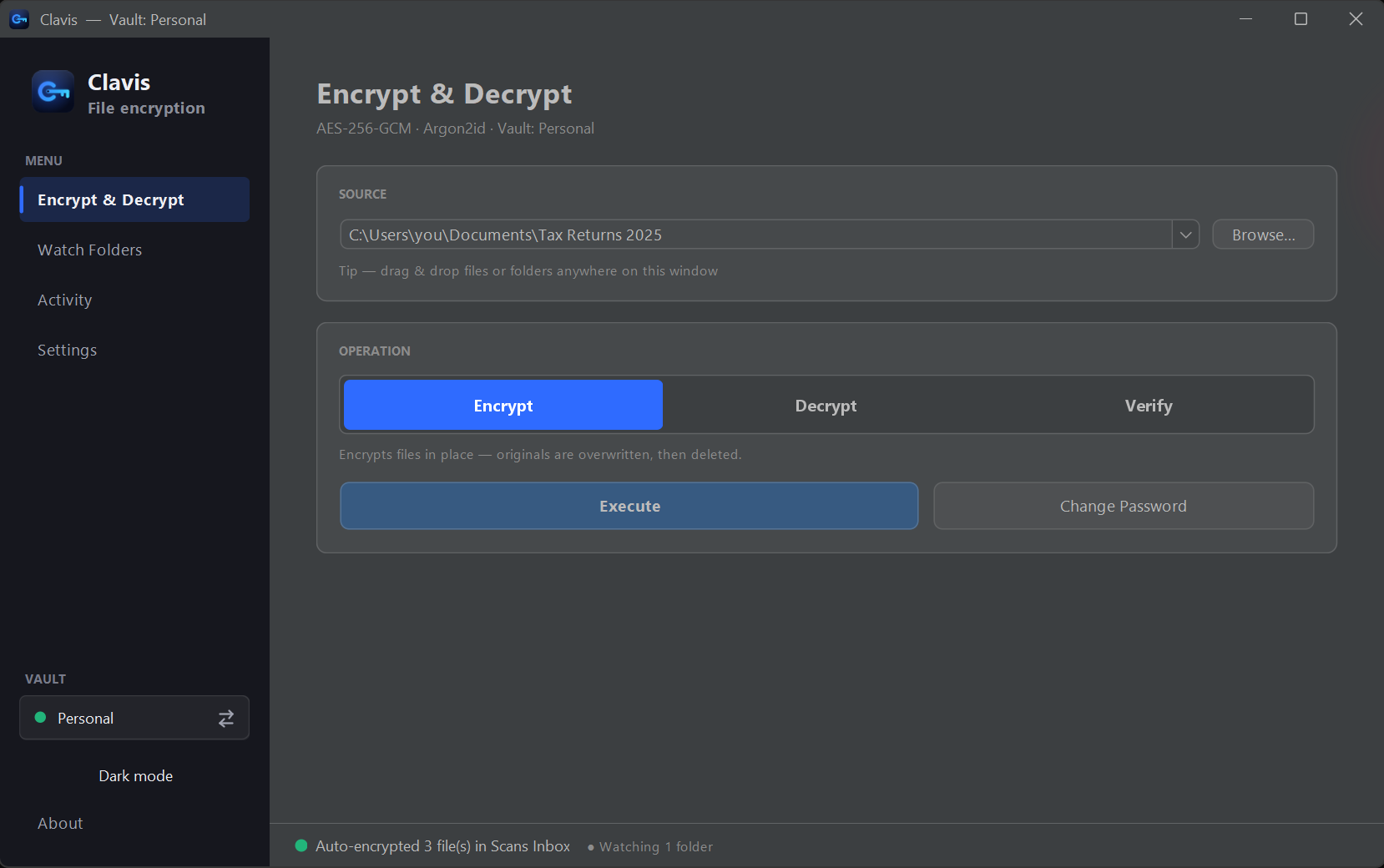
Run the installer — no administrator rights needed. Clavis appears in your Start menu.
Choose a strong password. Clavis gives you a recovery key to keep somewhere safe.
Drop files or folders in and press Encrypt. Decrypt them the same way, whenever you need.
Your files never leave your PC. Neither does your password.
Clavis is Latin for key. Download it, and keep yours.
Windows 10 & 11 · also for Linux (.deb) · 64-bit · Version 3.7.6