
Change your vault password
Press Change Password on the Encrypt & Decrypt page. Enter your current password, then the new one twice — the same strength meter helps you choose.
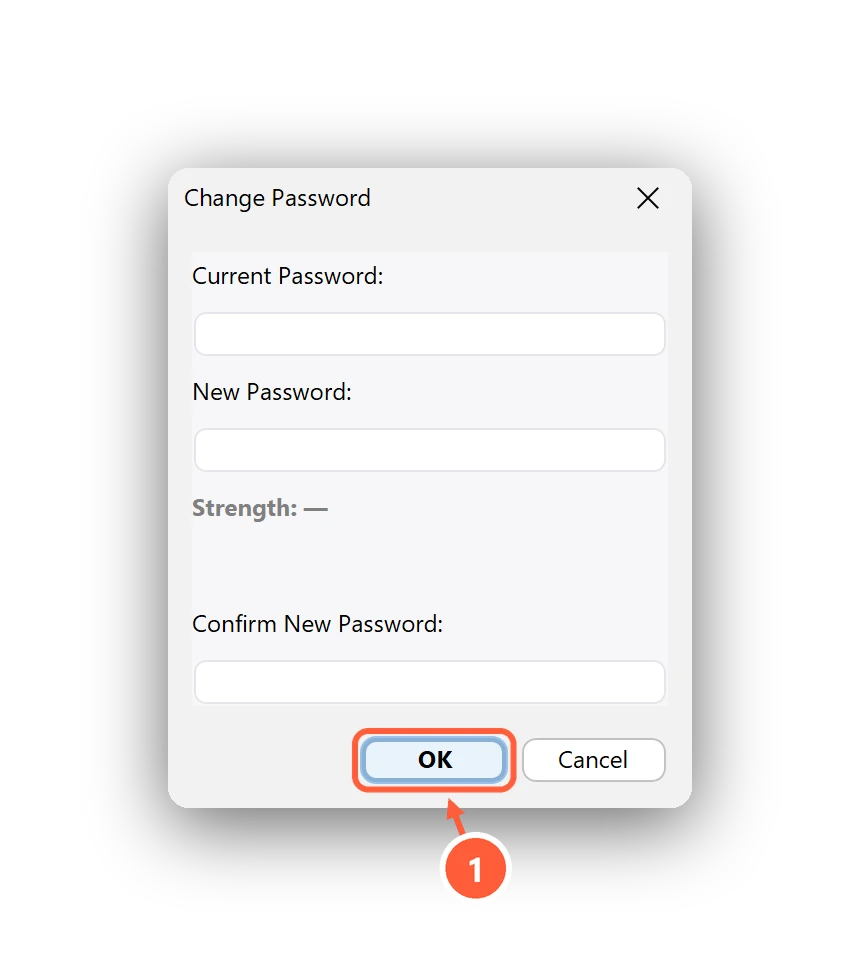
- Clavis can re-encrypt your files with the new password
Clavis then asks whether to re-encrypt your existing files with the new password:
- Yes (recommended) — pick the folder that holds your
.encfiles; Clavis re-encrypts them with the new password. - No — only the password changes. Files encrypted with the old password will no longer open with this vault.
- Cancel — nothing changes.
Your recovery key is updated for the new password automatically.
Can't find what you need? All help articles · Email us