
Change the language
Clavis is available in English, Français, Deutsch, தமிழ் (Tamil) and हिन्दी (Hindi). By default it follows your system language.
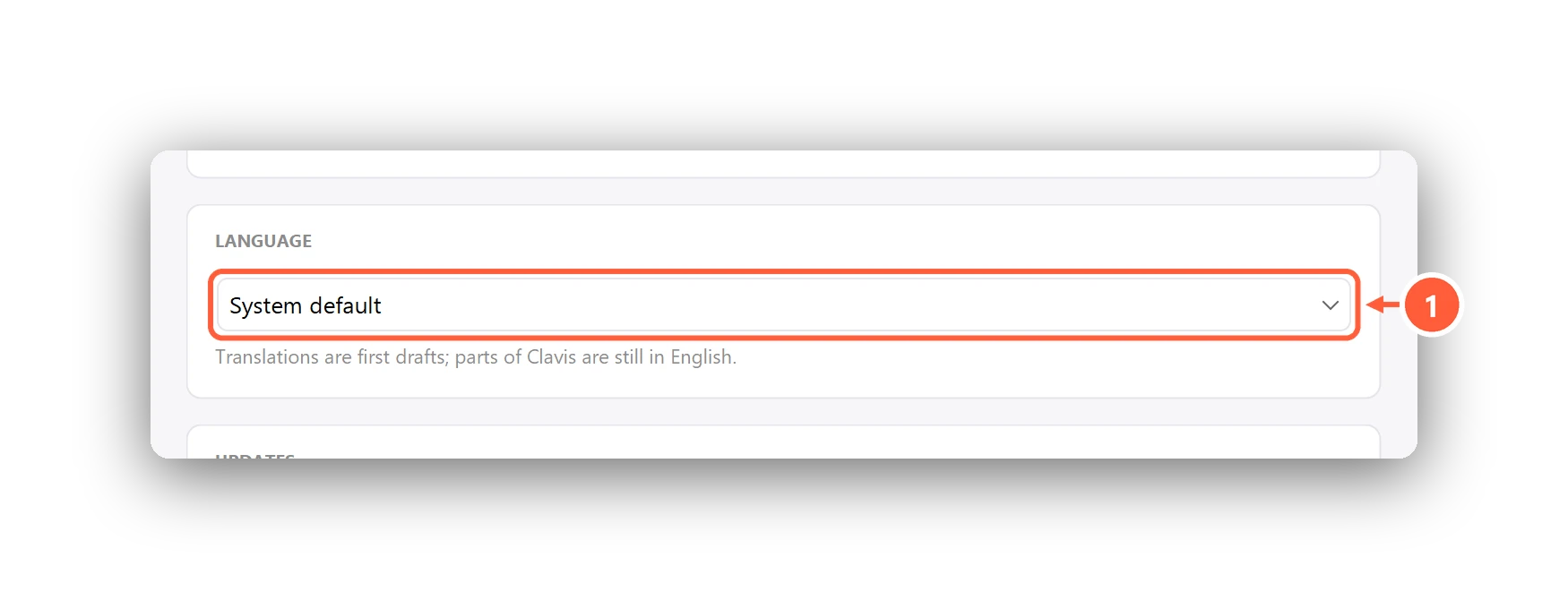
- Language: English, Français, Deutsch, தமிழ், हिन्दी
Choose a language in Settings → Language, press Save, then restart Clavis.
The translations are first drafts and some windows are still in English. Spotted a mistake, or want to help with your language? Email clavis.enc@gmail.com.
Can't find what you need? All help articles · Email us