
Back up your vault and restore it on a new PC
A vault backup is one encrypted file (.clavisbackup) holding everything a new PC needs to use your vault:
its recovery key, your Clavis ID, contacts and secure notes. It opens only with the vault's password.
Creating backups is Clavis Premium; restoring is free.
Your encrypted files aren't inside the backup. Copy your
.enc files separately (an external disk, or
your cloud folder). The backup is the key that opens them.Back up
Open Settings → Backup → Back up this vault… and save the file somewhere off this PC, like a USB stick or cloud storage.
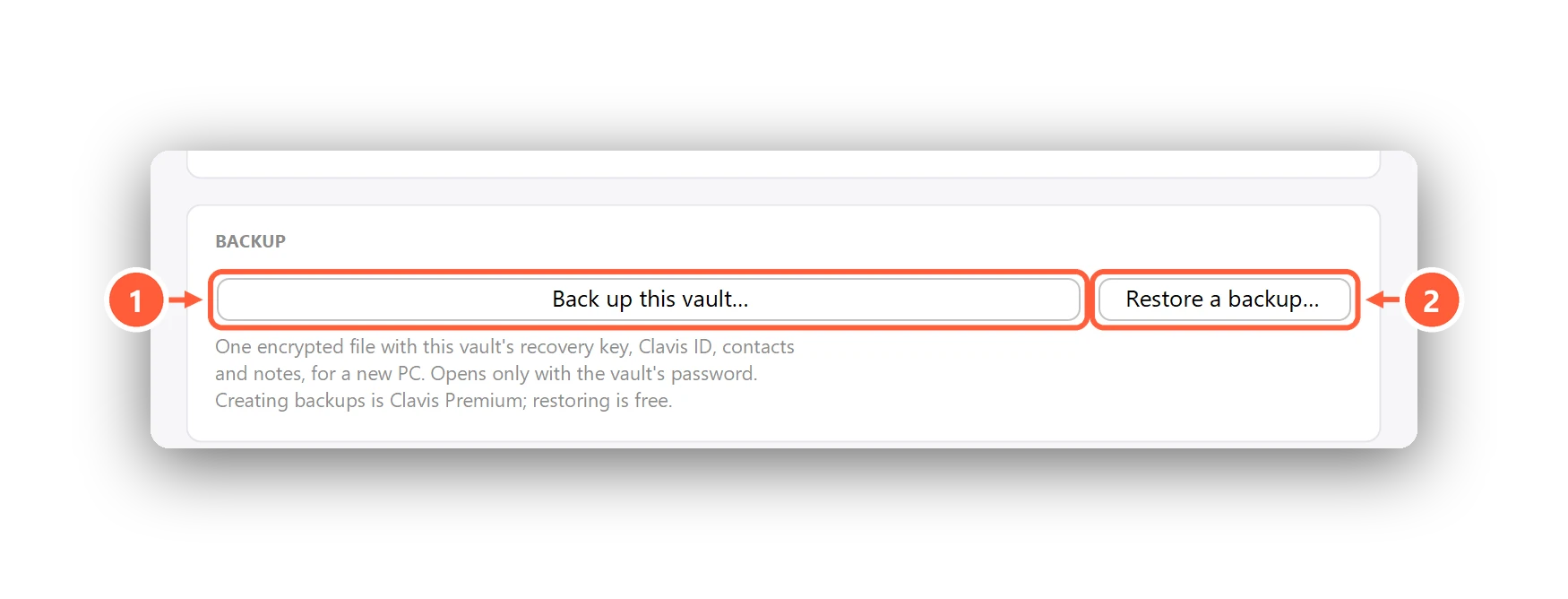
- One-file vault backup (Premium)
- Restore a backup (free)
Restore on a new PC
Install Clavis. On the very first screen, press Restore from a backup… and choose your .clavisbackup file —
or double-click the file, or use Settings → Backup → Restore a backup…. Then unlock it with the vault's password.
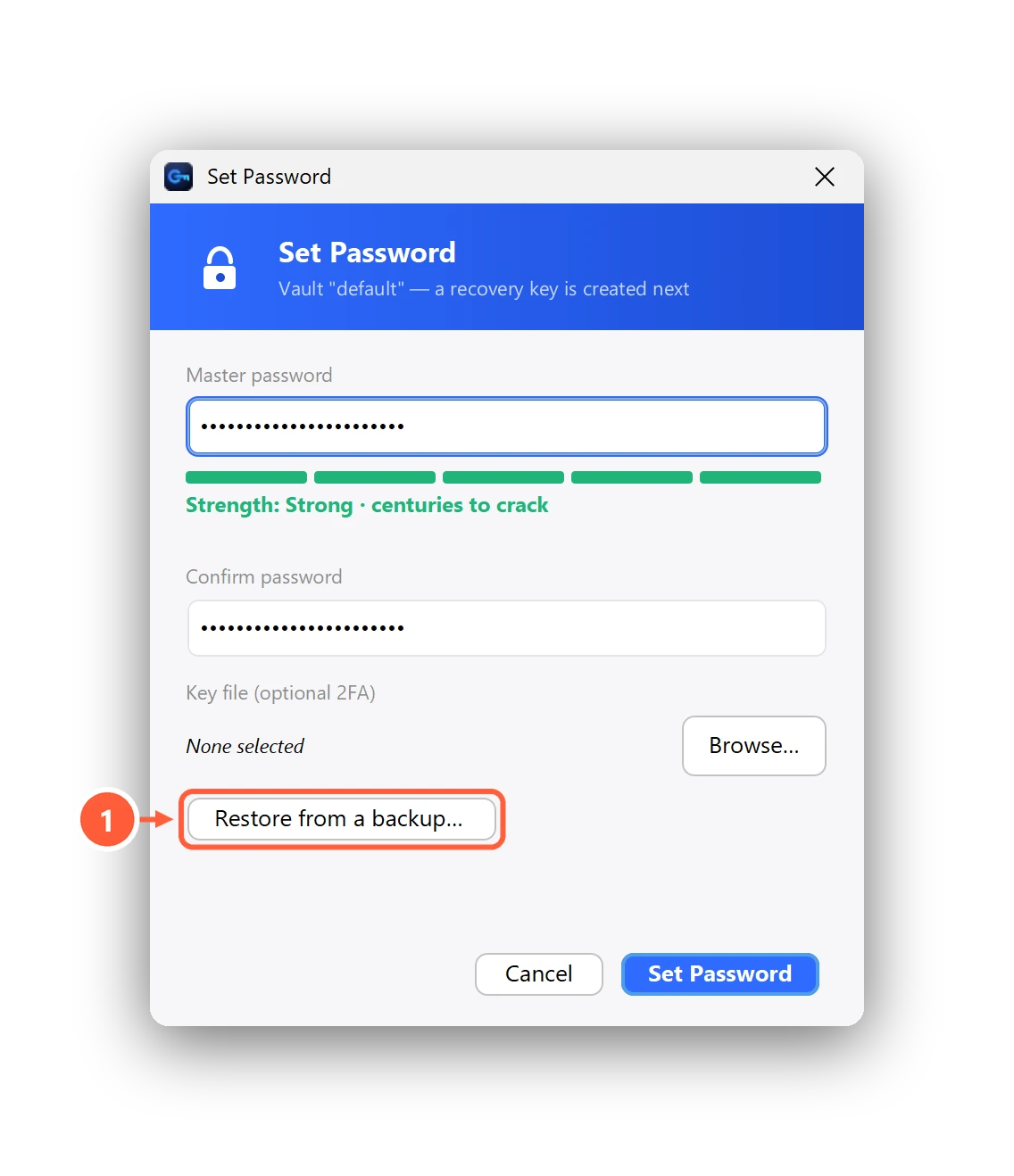
- New PC? Restore a vault backup instead
Can't find what you need? All help articles · Email us